At home, a VPN is a considered privacy choice. On a trip it is closer to a travel adapter: a small thing that stops a specific set of annoyances, most of which you'd rather not troubleshoot from a hotel lobby at midnight.
Here is what genuinely changes when you leave, ranked roughly by how often it bites.
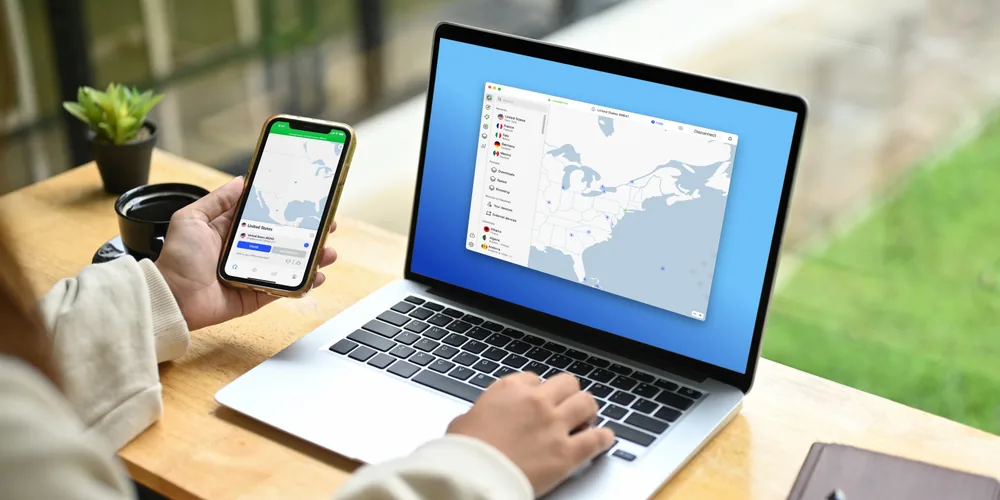
1. Every network on the trip belongs to someone else
Airport, lounge, hotel, café, conference centre, the rental apartment's router that has never had a firmware update. On a normal week you use one network you control. On a trip you might use a dozen you know nothing about, several of which have names you'd have no way of verifying.
A VPN collapses that variety into one thing: whatever the network is, your traffic leaves your device encrypted and the network only sees an unreadable stream. It turns "is this Wi-Fi trustworthy?" from a question you have to answer twelve times into one you can stop asking.
2. Your bank may not like being logged into from abroad
Financial institutions weigh location heavily in fraud scoring. Logging in from an unfamiliar country can trigger extra verification, a temporary hold, or a flat refusal — sometimes to a phone number you can't receive calls on while roaming.
Connecting to a server in your home country before you log in makes the session look ordinary. Worth saying plainly: this is a convenience measure, not a way around anything. You are still you, logging into your own account. And do tell your bank you're travelling — that is still the first thing to do.
3. The subscriptions you pay for stop behaving
Streaming catalogs are licensed by territory, so the service you pay for at home can look unfamiliar or refuse to play what you were halfway through. A server back home usually restores it. It is the most reliable streaming use of a VPN and the least contentious — you're a subscriber asking for the service you already bought. The full picture, including where this fails, is in our guide to VPNs and streaming.

We earn a commission if you purchase through our links, at no extra cost to you.
4. Some sites are simply blocked where you're going
Plenty of countries filter parts of the web, and plenty of corporate and hotel networks run their own blunt filters that catch ordinary sites by accident. A VPN routes around network-level filtering because the network can no longer tell which site you asked for.
5. Regional pricing — real, but oversold
You will read that changing your apparent country gets you cheaper flights and hotels. Sometimes it does. Airlines and booking sites do run different prices by market and currency, and clearing cookies plus checking from another region occasionally surfaces a lower fare.
But it is inconsistent, the difference is often eaten by currency conversion or a card-issuer fee, and some bookings must be paid in the local currency of the site you used. Treat it as an occasional pleasant surprise, not a reason to buy anything.
Countries where the rules are different
VPNs are legal across the US, Canada, the UK, the EU, Australia and most of the world. A short list of countries restricts or bans them, including China, Russia, Iran, Turkey and the UAE. The specifics vary — some ban unlicensed providers, some block the protocols technically, some do both — and the rules change.
- Install and sign in before you go. In places where VPNs are restricted, the provider's website and the app stores' listings are often blocked too, so downloading it after you land can be impossible.
- Check the current rules for your destination close to departure, from an official or reputable source rather than a VPN company's own marketing page.
- Know what you're using it for. Where restrictions exist they usually target circumventing state filtering, not a business traveller encrypting a hotel connection — but that distinction is theirs to draw, not yours.
A checklist to run before you fly
- Install the app on every device you're taking — phone, laptop, tablet — and sign in while you're still on a network you trust.
- Connect once at home to confirm it works before you need it.
- Turn on the kill switch, so if the VPN drops, your traffic stops rather than quietly continuing in the clear.
- Turn on auto-connect for untrusted networks, so joining hotel Wi-Fi doesn't depend on you remembering.
- Note that captive portals come first: join the network, complete the room-number page, then connect the VPN.
- Download offline maps and anything else you'll need, in case the connection where you're going is worse than you expect.
The device-count question
A family trip is four phones, two laptops and a tablet before anyone opens a suitcase. Plans that cover a handful of devices run out fast; NordVPN's 10 simultaneous connections generally cover a household travelling together on one subscription, which is worth checking against whatever else you're comparing.
So — do you need one?
If you travel once a year and mostly use your phone's own data, honestly, no. Mobile data is already encrypted between your handset and the tower, and you're not exposed to hotel networks if you never join one.
If you use hotel and airport Wi-Fi, work from a laptop while away, or want the services you pay for to behave normally in another country, then yes — and travel is the case where the value is easiest to feel. A month-to-month plan for a single big trip is a perfectly sensible way to buy it.

Set it up before you pack
Servers in 118+ countries, 10 devices on one subscription, and apps for every phone and laptop in the party. If it turns out you don't use it, the 30-day money-back guarantee covers the trip.
Get NordVPN →Read our full NordVPN review first.